
Veo 4 Documentation
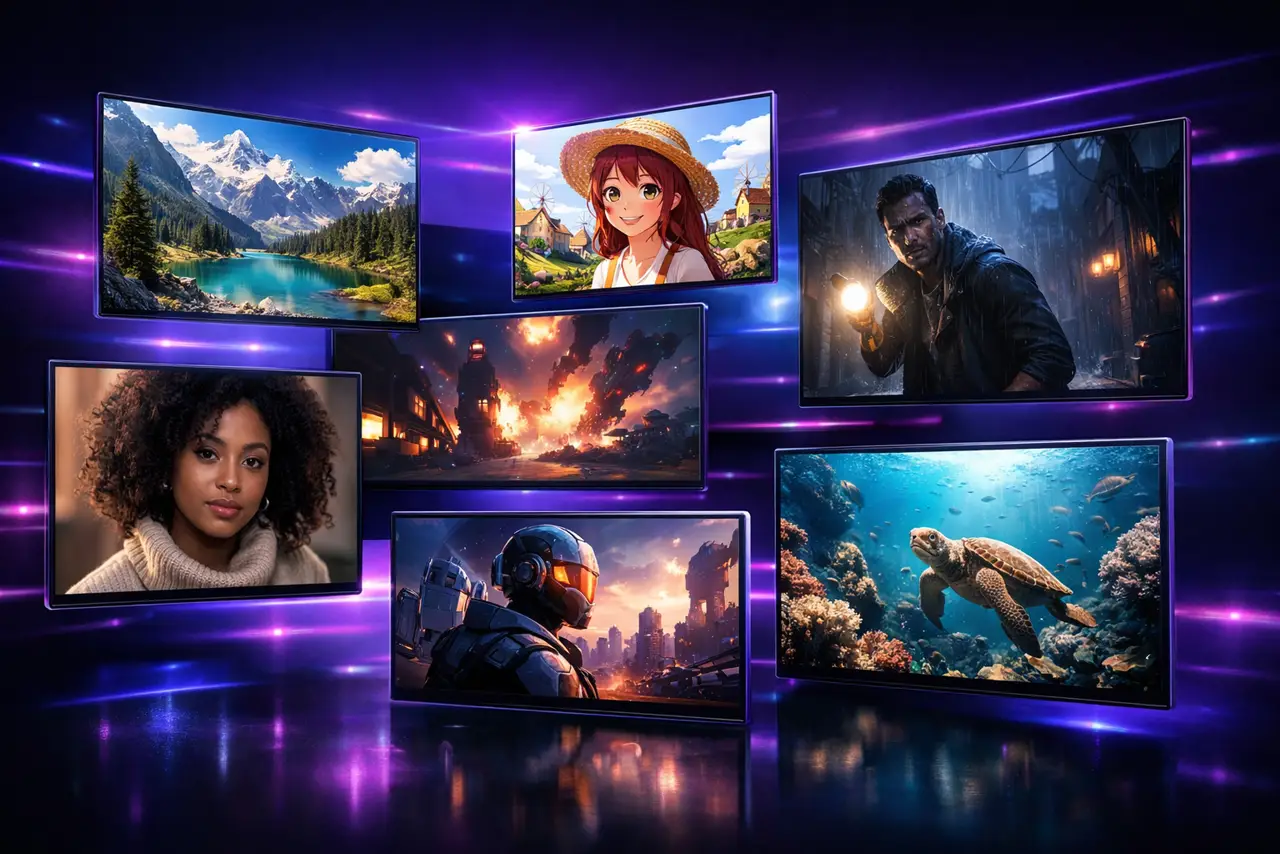
What Is Veo 4?
Veo 4 is a free AI image generator that creates stunning images from text prompts. Powered by Gemini 2.5 Flash Image technology, Veo 4 delivers fast, high-quality AI image generation with multiple art styles and resolutions.
Quick Start
- Visit veo4ai.one
- Enter a text prompt describing your desired image
- Choose your preferred style (realistic, anime, fantasy, etc.)
- Click Generate and download your AI-generated image
Core Features
Text-to-Image
Describe your vision and Veo 4 AI generates matching images. Supports detailed prompts with subject, style, lighting, and composition.
Image Enhancement
Upload an existing image and enhance it with AI. Transform photos, add artistic effects, or upscale resolution.
Multiple Art Styles
Choose from Realistic, Anime, Fantasy, Portrait, Landscape, Cyberpunk, 3D Render, and more. Combine styles for unique results.
High Resolution Output
Generate images up to 4K resolution. All outputs are in PNG format, perfect for any creative project.
Image Settings
| Setting | Options |
|---|---|
| Style | Realistic, Anime, Fantasy, Portrait, etc. |
| Aspect Ratio | 1:1 (square), 16:9 (landscape), 9:16 (portrait) |
| Quality | Standard, HD, 4K |
Credit System
Veo 4 uses a credit-based system:
- Text-to-Image (Standard): 5 credits
- Text-to-Image (HD): 10 credits
- Image Enhancement: 8 credits
New users receive free credits to get started. Visit the Pricing page for credit packages.
Tips for Better Results
- Be specific — Describe colors, lighting, mood, and composition details
- Use style keywords — Include terms like "cinematic", "vibrant", "minimalist"
- Specify subjects — Clearly describe the main subject and background
- Reference artists — Mention art styles like "in the style of Studio Ghibli"
Support
- Email: support@veo4ai.one
- Discord: discord.gg/veo4ai
- GitHub: github.com/veo4ai